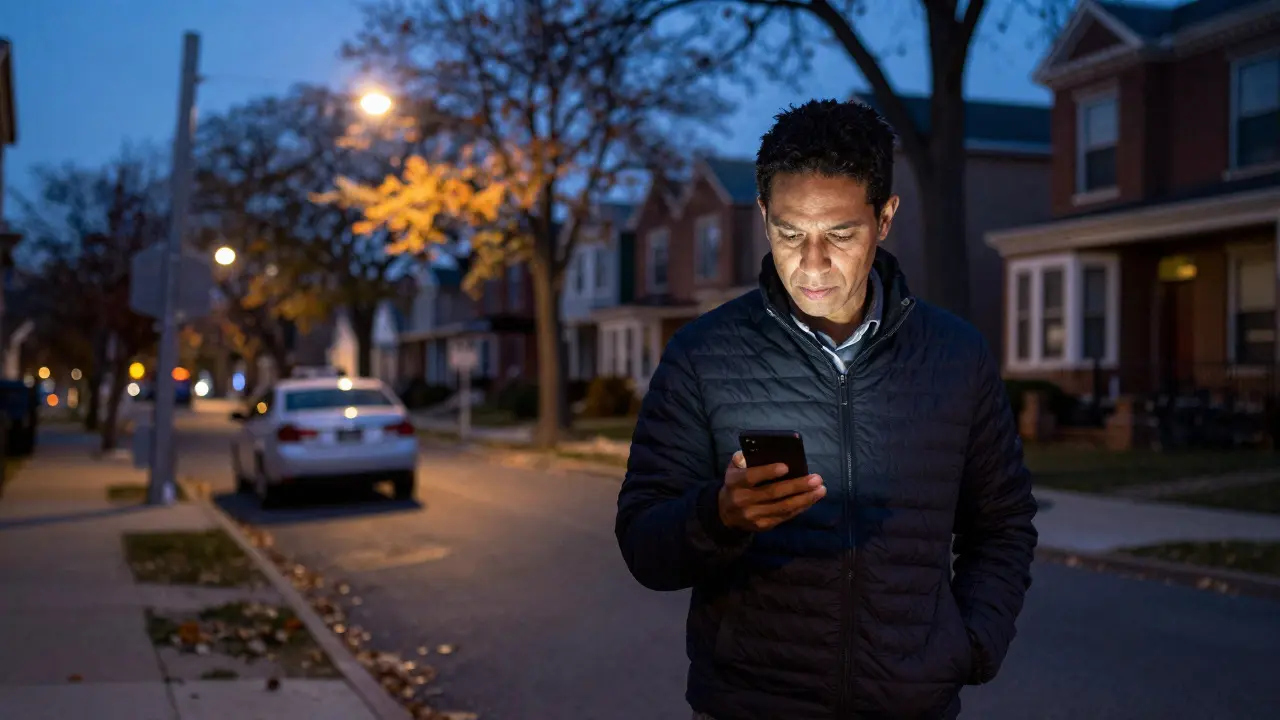
Walking home from the grocery store in your Chicago neighborhood, you pull out your phone to check if that suspicious car is still parked on the corner. You open an app, type a quick note, and hit send. It feels like you’re doing your part to keep the block safe. But have you ever stopped to wonder who else sees that photo? Or whether your location data is being sold to third parties? Using neighborhood watch apps in Chicago is a powerful tool for community safety, but only if you know how to use them without handing over your private life.
These digital platforms have replaced the old-school clipboards and paper sign-up sheets. They connect neighbors in real-time, allowing for faster response times to minor crimes or missing pets. However, the convenience comes with a trade-off: data. In a city as dense and diverse as Chicago, balancing vigilance with privacy requires a deliberate approach. This guide breaks down the most popular tools, their specific risks, and the exact steps you need to take to stay secure while staying connected.
Key Takeaways
- Nextdoor dominates the market but requires strict profile hygiene to prevent doxxing.
- Citizen is best for live crime reporting but has limited historical data search capabilities.
- Always disable background location tracking when not actively reporting an incident.
- Verify local police department integrations before relying on app alerts for emergency response.
- Use a dedicated email address for these apps to separate civic activity from personal correspondence.
The Major Players in Chicago Community Safety
Not all apps are created equal. Each platform serves a slightly different purpose, and choosing the right one depends on what you value more: instant alerts or detailed community discussion.
Nextdoor is a hyper-local social network that connects neighbors within a verified geographic radius. It functions less like a police scanner and more like a Facebook group for your street. Users post about lost cats, recommended plumbers, and suspicious activity. Its strength lies in its verification system; you must prove you live at a specific address to join a neighborhood. This reduces spam but creates a single point of failure: if someone guesses your address, they can see your profile.
Citizen is a mobile application designed specifically for witnessing and reporting crime in real-time. Unlike Nextdoor, it focuses on the event itself. You record video, add tags (like "car theft" or "vandalism"), and push it to a public feed. The Chicago Police Department (CPD) uses this data to identify patterns. It’s excellent for immediate action but lacks the conversational depth of social platforms.
Nicheo is an emerging platform that combines property data with community sentiment. While smaller in user base than Nextdoor, it offers cleaner interfaces for those who find social feeds overwhelming. It integrates well with real estate listings, making it popular among new homeowners in neighborhoods like Lincoln Park or Logan Square.
| Feature | Nextdoor | Citizen | Nicheo |
|---|---|---|---|
| Primary Function | Social Networking & Alerts | Real-Time Crime Reporting | Community Insights & Property Data |
| Location Privacy | High Risk (Address Visible) | Medium (Radius Only) | Medium (Block Level) |
| Police Integration | Limited/Indirect | Direct CPD Partnership | Minimal |
| Best For | Daily Life & Long-term Monitoring | Active Incidents & Evidence | New Residents & Market Trends |
Understanding the Privacy Risks
The biggest misconception is that because an app is "local," it is inherently private. In reality, these apps collect vast amounts of metadata. When you post a photo of a broken window, the EXIF data might contain your GPS coordinates. If you tag a location, you’re pinning yourself on a map. In Chicago, where many buildings have multiple units, knowing exactly which floor you live on can be a security risk for burglars looking for easy targets.
Data sharing is another concern. Many of these apps partner with data brokers. Your browsing habits on the app-what you click, how long you linger on a post about a robbery-can be packaged and sold. This doesn’t mean a hacker will break into your house tomorrow, but it does mean your digital footprint is much larger than you think. To mitigate this, treat every app interaction as if it were public. Assume that anyone in your zip code, plus advertisers, can see what you share.

Step-by-Step Setup for Maximum Security
You don’t need to be a tech expert to harden your digital presence. Follow these five steps before you post your first alert.
- Create a Dedicated Email Address: Don’t use your main work or personal email. Create something simple like `[email protected]`. This keeps spam and marketing emails out of your primary inbox and makes it easier to delete the account later if you move.
- Verify Your Address Carefully: On Nextdoor, verification usually involves a utility bill or lease. Ensure the document matches the name on your profile. Mismatches can lead to account freezes during critical moments.
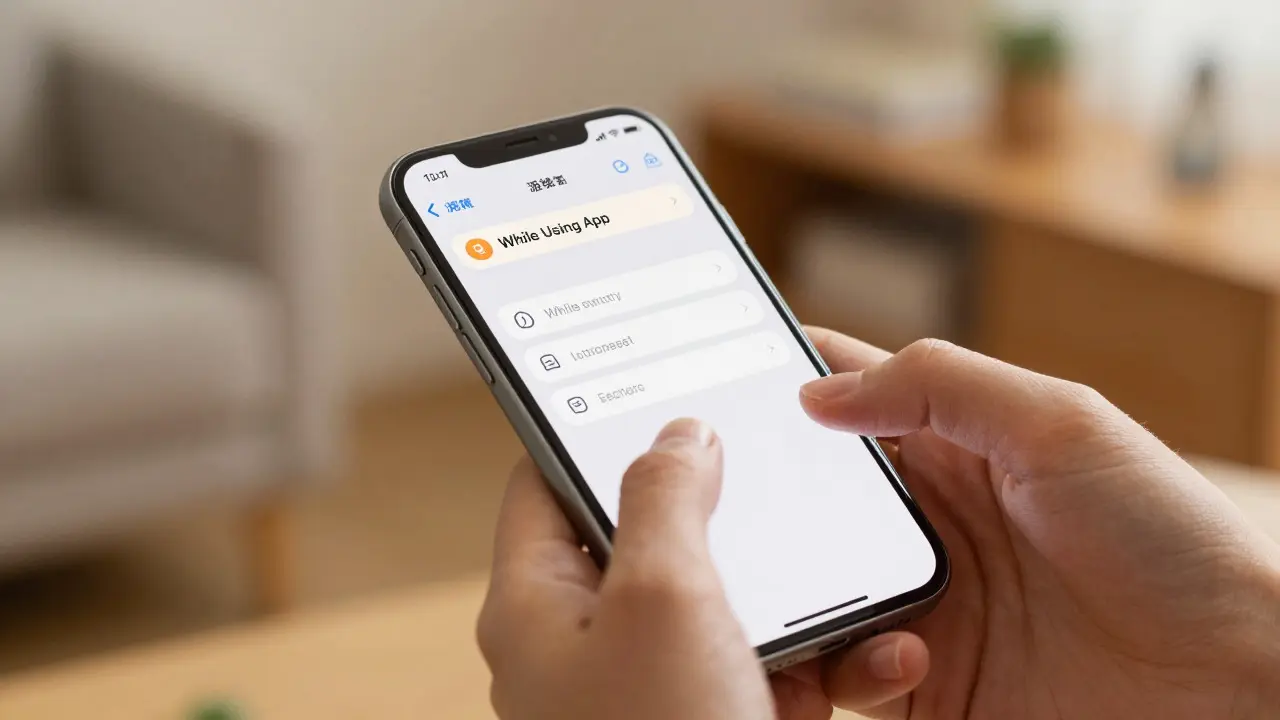
- Adjust Location Settings: Go to your phone’s settings, not just the app’s settings. Restrict location access to "While Using App" rather than "Always." This prevents the app from tracking you while you sleep or drive.
- Curate Your Profile Photo: Use a headshot that shows your face clearly enough to be recognized by neighbors, but avoid backgrounds that reveal your front door, license plate, or unique architectural features of your home.
- Set Notification Boundaries: Turn off push notifications for non-critical categories like "Recommendations" or "Events." Keep them on for "Crime" and "Missing Persons" only. This reduces noise and ensures you actually read important alerts.
Best Practices for Posting Alerts
How you write matters as much as what you write. Vague posts create confusion; specific posts create clarity. Here is how to craft an effective safety alert.
Be Specific, Not Sensational: Instead of writing "Creepy guy walking around," write "Man in blue hoodie, approx 6'0", last seen near Oak St and Ashland Ave at 8:15 PM." Include timestamps. Neighbors can cross-reference this with their own observations.
Use Photos Wisely: Before uploading a photo, strip the metadata. Most smartphones have a built-in feature to remove location data when sharing via certain apps, but it’s safer to crop the image or use a screenshot. Avoid photos that show your own yard or driveway in the background.
Tag, Don’t Blame: If you suspect a neighbor’s dog is loose, tag the behavior, not the person. "Dog off-leash near playground" is objective. "Jones family needs to control their dog" invites conflict. Conflict distracts from the safety goal.
Close the Loop: If the issue is resolved, post an update. "Car moved" or "Person identified as delivery driver." This builds trust in the community feed and prevents unnecessary panic.
Integrating with Local Law Enforcement
Apps are supplements, not replacements, for the Chicago Police Department. Understanding how CPD uses these tools helps you leverage them better. The CPD uses data from Citizen to track repeat offenders in specific sectors. If you report the same vehicle three times in the same week, it triggers a higher priority review.
However, don’t expect a patrol car immediately after posting on Nextdoor. That platform is for community awareness. For immediate danger, always call 911. For non-emergencies, use the CPD’s online portal or the Citizen app, which has a direct line to dispatchers in some districts. Check the Chicago Police Department website for the specific sector number for your area to ensure your reports go to the right precinct.
Common Mistakes to Avoid
- Over-Sharing Daily Life: Posting that you’re going on vacation for two weeks tells burglars exactly when your house is empty. Keep travel plans off the app.
- Ignoring Spam Bots: Occasionally, bots infiltrate neighborhood groups to sell goods or scam users. Report them immediately. If a bot is active, the algorithm may boost other low-quality posts.
- Assuming Anonymity: Even if you hide your name, your IP address and device ID are visible to the app developers. True anonymity is rare in these ecosystems.
- Letting Discussions Derail: If a thread about a crime turns into a political debate, mute the thread. Stay focused on facts. Emotional reactions reduce the signal-to-noise ratio.
When to Switch or Delete an App
Your needs change. If you move to a new neighborhood, delete your old profile. Keeping multiple active profiles across different cities confuses the algorithms and increases your data footprint. If you notice a spike in unsolicited mail or sales calls after joining a new app, it’s a sign that your data is being shared. Consider switching to a more privacy-focused alternative or simply using the official CPD channels.
Regularly audit your subscriptions. Once a year, go through your email and unsubscribe from any app newsletters you no longer read. This small step significantly reduces the amount of data flowing back to the company.
Is Nextdoor safe to use in Chicago?
Yes, provided you manage your privacy settings. Nextdoor verifies addresses, which adds a layer of security against outsiders. However, because your address is linked to your profile, you should limit the personal details you share in posts and avoid posting photos that reveal your specific unit number or front door design.
Does the Chicago Police Department use Citizen app data?
Yes, the CPD has a formal partnership with Citizen. Data from the app is used to identify hotspots and track recurring incidents. Reports submitted through Citizen are often prioritized for analysis compared to anonymous tips, making it a valuable tool for chronic issues like repeated parking violations or vandalism.
Should I turn off location services for these apps?
You should restrict location access to "While Using App" in your phone's settings. Turning it off completely might prevent the app from auto-filling your neighborhood, but keeping it on "Always" allows the app to track your movement even when closed. "While Using" gives you the functionality you need without constant surveillance.
What is the best app for finding lost pets in Chicago?
Nextdoor is generally the most effective for lost pets due to its high engagement rate. Neighbors are more likely to see a pet alert than a crime alert. Pair this with a post on the local Chicago Animal Care and Control Facebook page for maximum visibility.
How do I stop getting spam on my neighborhood watch app?
Enable the "Verified Neighbor" filter if available. This hides posts from people who haven't proven they live in the area. Additionally, use a dedicated email address for the app so that promotional messages don't clutter your main inbox. Regularly report spammers to help the community moderators clean up the feed.